Background gone. Headshot done.
Lift the subject out of any photo right on your iPhone. Then turn one selfie into studio headshots in ten looks.
See it work
Flash
Background Remover & Headshots
- iPhone and iPad
- English and 日本語
- Free to download


One tap. Any backdrop.
Flash finds the subject and cuts it out on your iPhone. The photo never leaves your device.
Transparent

One selfie. Ten looks.
Pick one look or all ten. Each comes back dressed and lit for it, with your face kept as it is.
Corporate
Look closer
The same person in all ten looks. Choose one to hold it above.
Your photos stay yours.
Background removal happens on your iPhone. AI photos are made only after you agree, and never used to train a model.
Made on your iPhone
Built-in background removal, ID photos and profile pictures are made on your device. Those photos are not uploaded.
Originals deleted within a day
For AI work, the original is deleted when processing finishes, within one day at most. Results stay 30 days so you can download them again.
Never used for training
We don't use your photos to train AI models. We don't sell your data or show ads.
Failed looks come back
If a look can't be made, its credit is refunded automatically and the app tells you.
Three steps.
- 1
Add a photo
From your library or the camera. JPEG, PNG, HEIC and more, at any shape.
- 2
Choose what you need
Cut out the background, pick headshot looks, or choose an ID-photo size.
- 3
Save, share or print
Transparent PNGs, crops for every network, and print sheets for home and convenience-store printers.
Every photo of you, sorted.
The same cutout powers ID photos, profile pictures and prints.
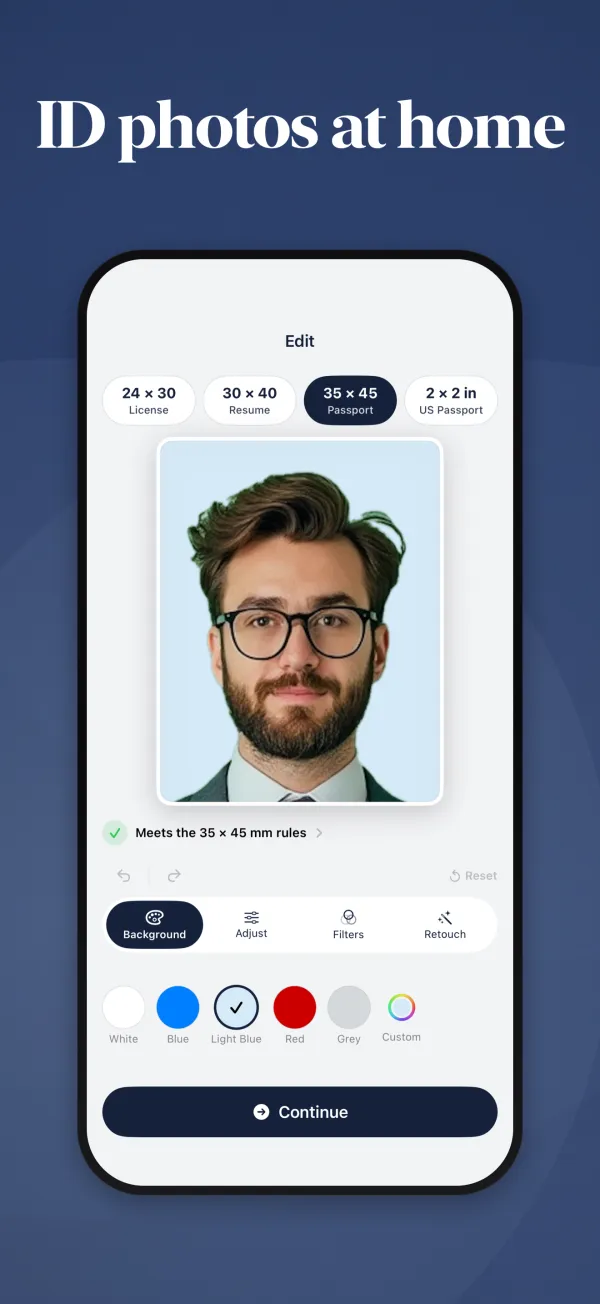
ID photos
Passport 35 × 45 mm, US passport 2 × 2 in, résumé 30 × 40 mm and licence 24 × 30 mm, checked against the size rules.
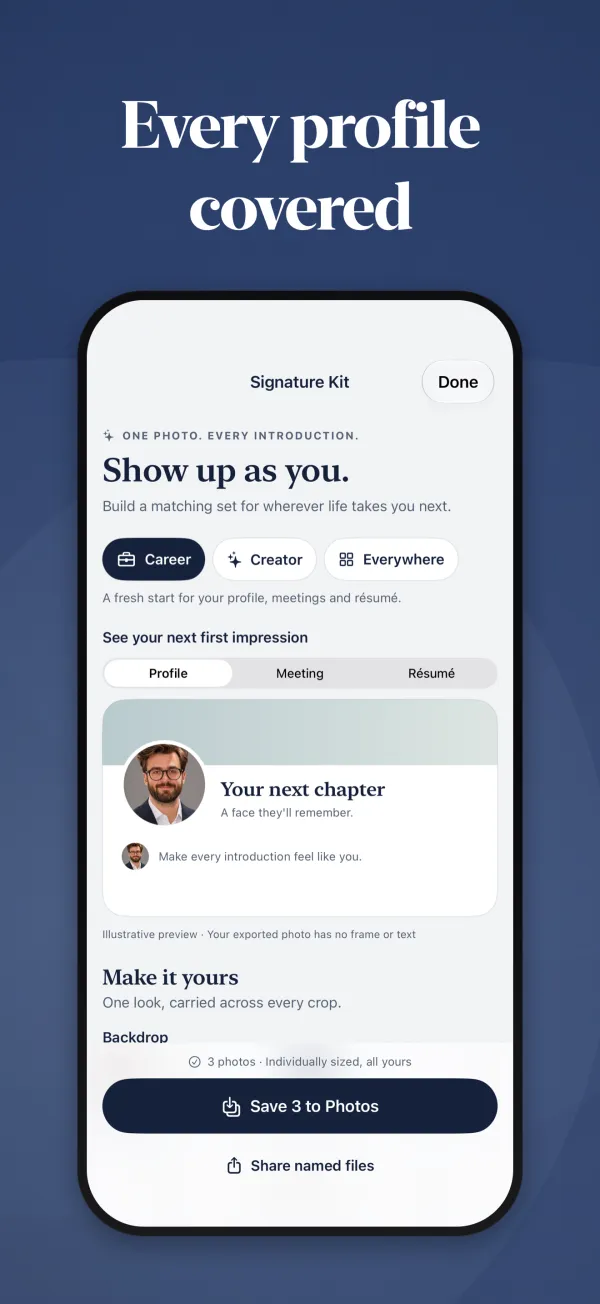
Profile pictures
Centred on your face for LinkedIn, X, Instagram, LINE, Slack, Teams and Zoom.
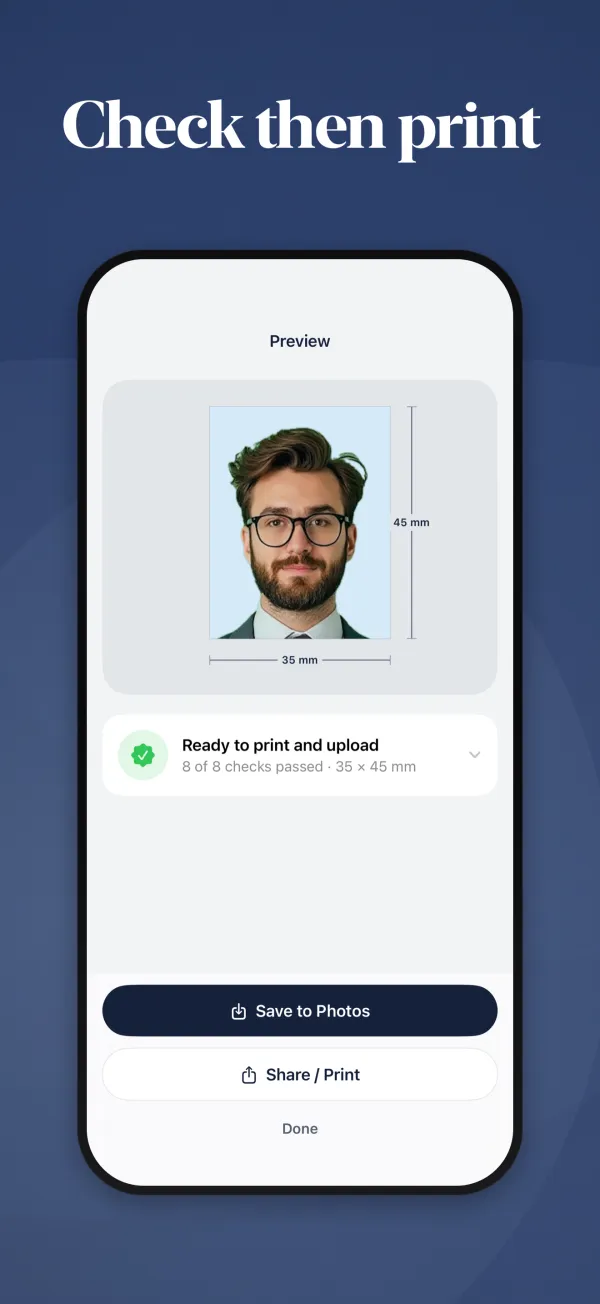
Print-ready sheets
Layouts for home printers and convenience-store printers.
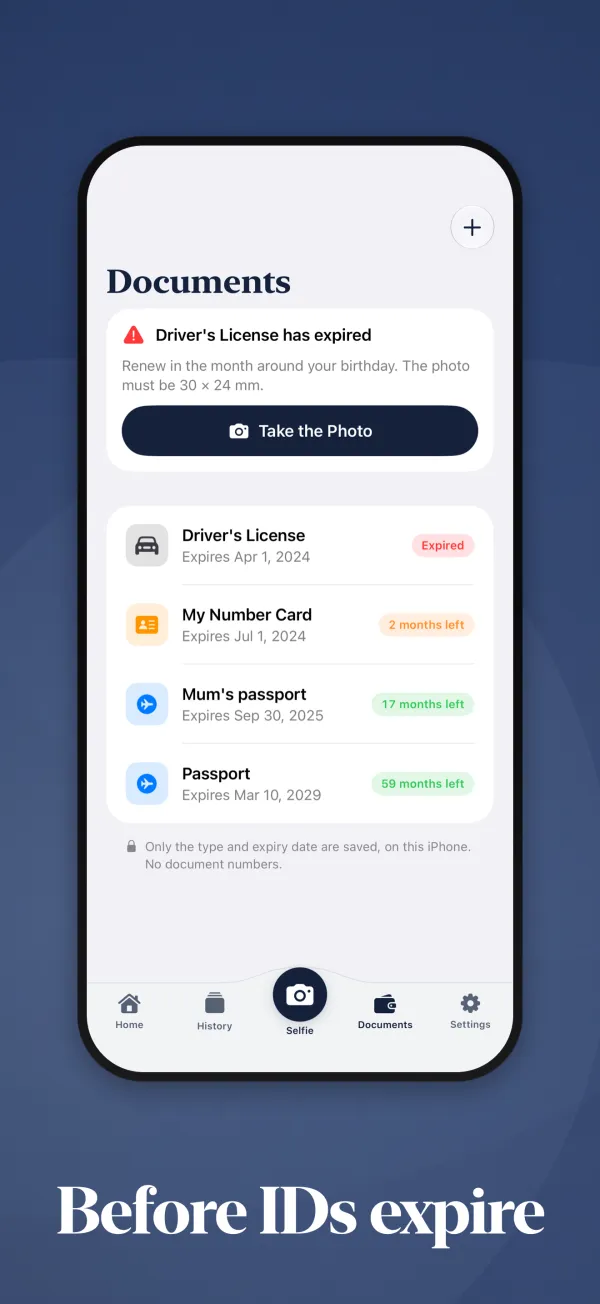
Renewal reminders
Add a passport, licence or My Number Card and Flash reminds you before it expires.
Pro, with credits built in
Flash Pro unlocks saving, sharing and printing, and includes credits for AI work. Background removal on your iPhone uses no credits.
- Flash Pro · Weekly$6.99a week30 credits every week
- Best valueFlash Pro · Annual$39.99a year200 credits a year
Top-up packs for Pro members
- 10 credits$4.99
- 30 credits$11.99
- 100 credits$29.99
One-time purchase. Pack credits never expire.
One credit makes one headshot look or one AI background removal. Failed jobs are refunded. US prices shown; the App Store shows yours.
Questions
Does background removal happen on my iPhone?
Yes. Built-in removal runs on your device with Apple's Vision engine and uses no credits; the photo is not uploaded. For a tricky photo you can choose AI removal instead, which uses 1 credit when it succeeds.
What do I need Flash Pro for?
You can try every tool and preview the result. Saving, sharing, printing and AI work need Flash Pro, which includes 30 credits a week or 200 a year.
Which headshot looks are there?
Ten: Corporate, Business Casual, Studio White, Job Hunting, Creative, Natural, Café, Outdoors, Pastel and Black & White. Each look you pick uses 1 credit.
A look failed. Did I lose a credit?
No. A look that fails is refunded automatically, and the app tells you how many credits came back.
Which ID-photo sizes are supported?
Passport 35 × 45 mm, US passport 2 × 2 in, résumé 30 × 40 mm and driver's licence 24 × 30 mm. Flash checks the photo against common size rules; the issuing authority makes the final call, so check its current requirements before you submit.
How do I get the best headshot?
Use a sharp, front-facing selfie in even light, with only your face in the frame and no sunglasses or hat.
Where are my photos kept?
ID photos, cutouts and profile pictures stay on your iPhone. AI headshots are saved in the app and can be downloaded again for 30 days.
How do I cancel or restore Flash Pro?
Cancel in iPhone Settings → your name → Subscriptions → Flash, at least 24 hours before renewal. To restore, open the Flash Pro screen and tap Restore Purchases with the same Apple ID.